ReluxDesktop – Centring luminaire groups or objects
Groups of luminaires or other objects can be centred quickly and easily in ReluxDesktop.
Explanation
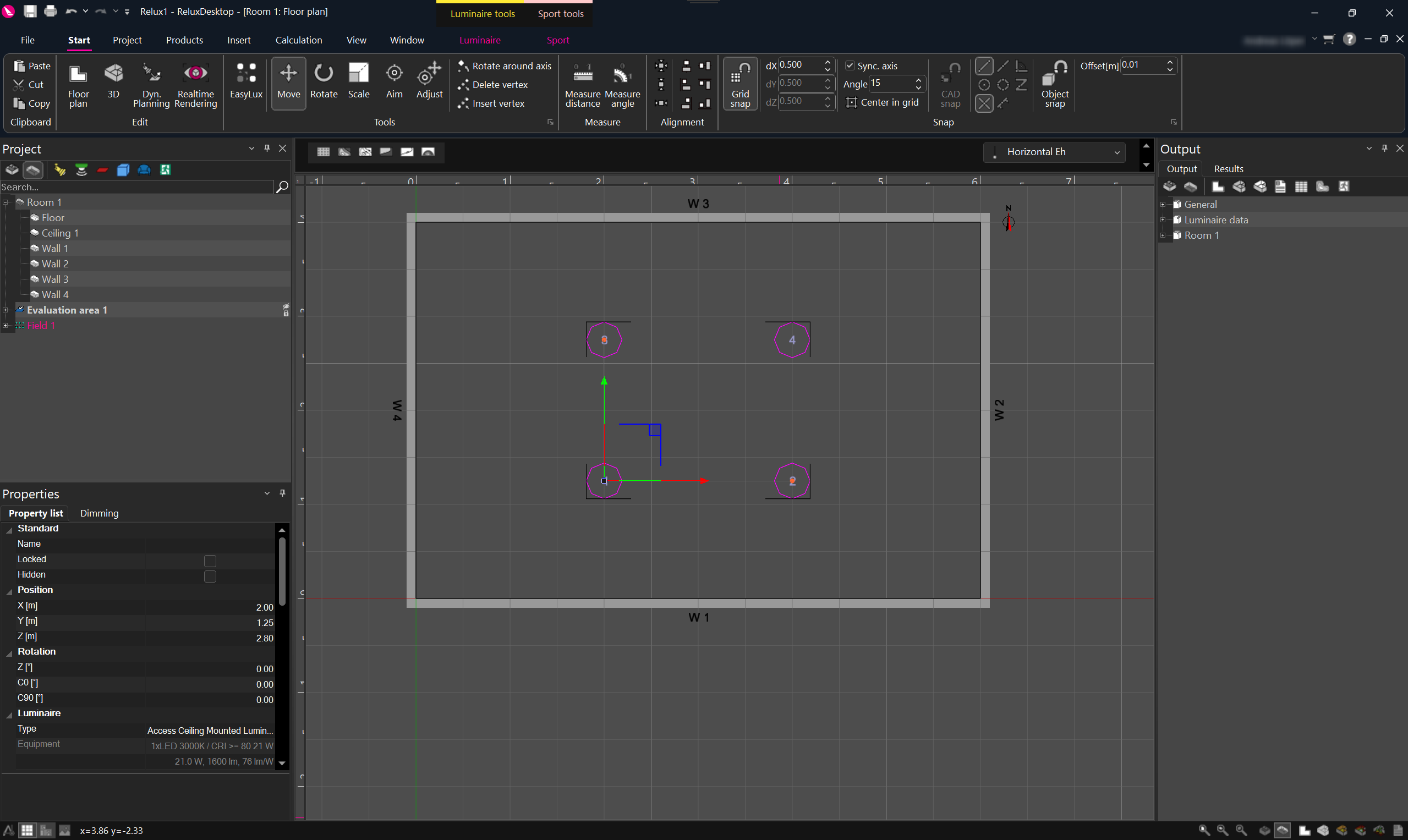
Use this function when you want to align a luminaire group or objects centrally within a scene.
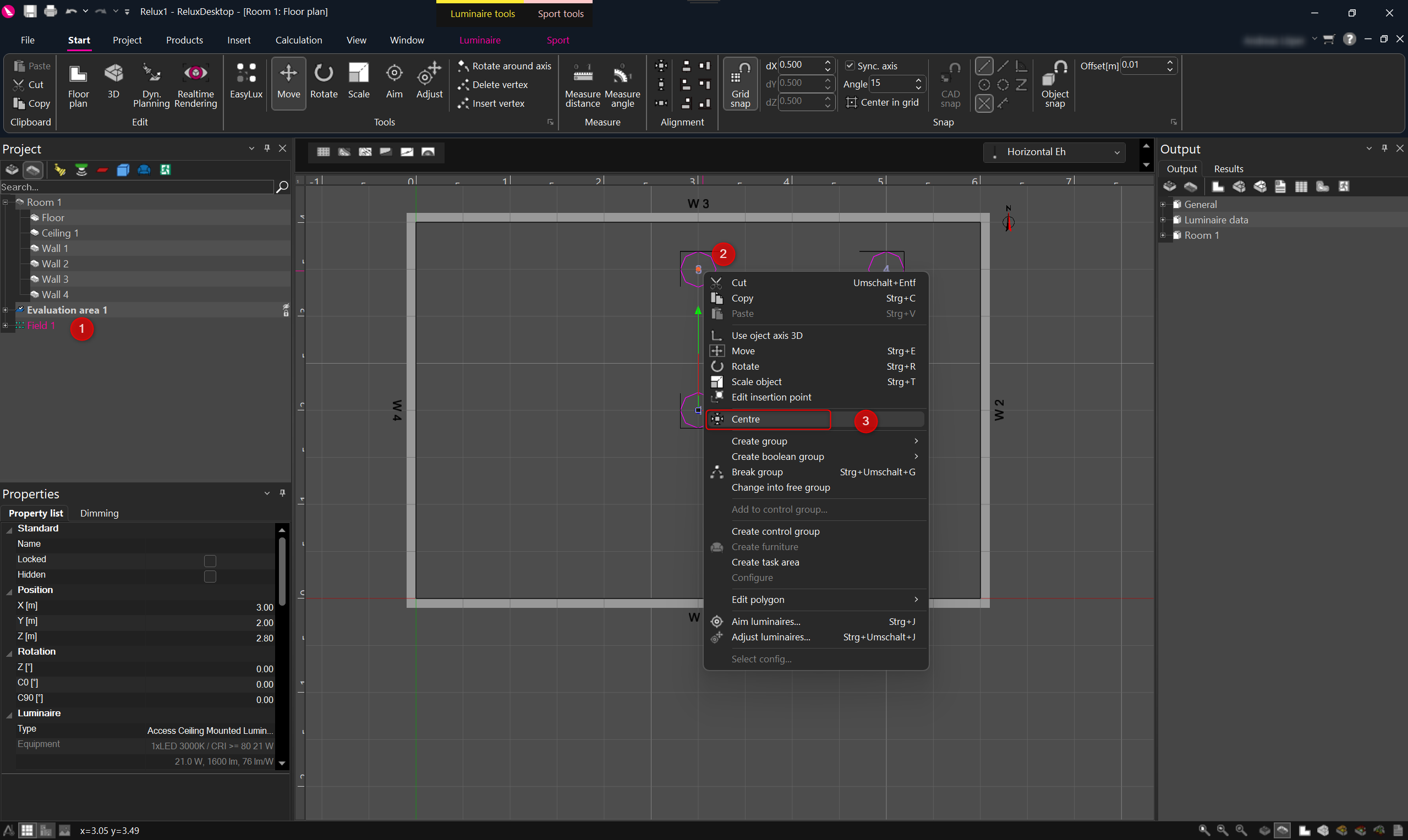
1. Right-click the desired luminaire group or objects (1,2).
2. In the context menu, select "Centre" (3).
Note: More alignment options are available under the tab "Start".